Most Cookie Consent Banners Don’t Check for Compliance

Surprisingly, most cookie consent managers don't seem to check if websites are in compliance with CCPA and GPDR. Are you sure your website is in compliance?
You appear to be offline, some content may be unavailable.
Surprisingly, most cookie consent managers don't seem to check if websites are in compliance with CCPA and GPDR. Are you sure your website is in compliance?

Testing cookies consent compliance proved more difficult than I expected. Here are some tips and tricks I learned while conducting a cookie compliance audit.

Testing HTML Light DOM web components wasn't so scary after all. Some testing notes and patterns from a recent project.

We’re nearing the time of year when many retailers enter a website code freeze for the holiday season. Here are five low-risk improvements you might be able to squeeze in before your code freeze arrives
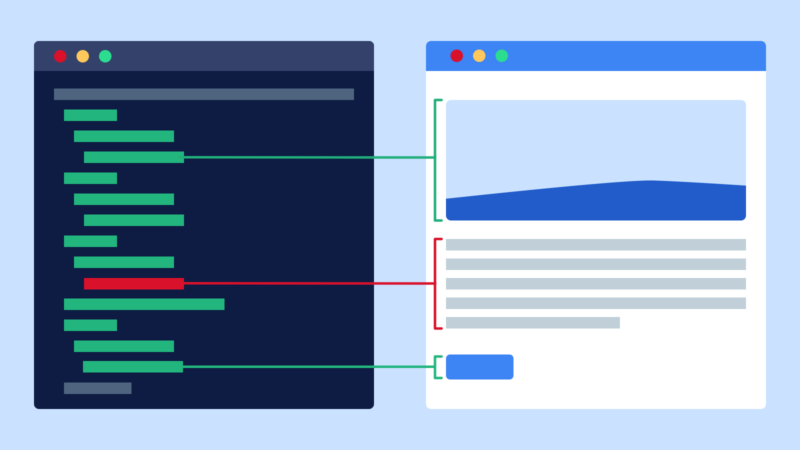
We’re thrilled to announce that we’ve added accessibility tree snapshots to Pleasantest. These snapshots incorporate important accessibility details into your tests, helping you to understand, track, and maintain the accessibility of your interfaces. We believe Pleasantest is the first testing tool to provide this incredibly useful feature.

Pleasantest is a library that integrates with Jest to help you write UI tests that interact with real browsers. It uses Puppeteer to launch and control browsers, Testing Library to find elements on the page, and jest-dom to make assertions against the DOM.

In case you missed it, last month we released Lighthouse Parade, a CLI tool to automatically run and aggregate Lighthouse performance reports across an entire site. One of the most requested features has been the ability to limit which pages are crawled. We're excited to release Lighthouse Parade 1.1, which introduces three new flags to accommodate these use cases.

Lighthouse Parade is a Node.js command line tool that crawls a domain and gathers lighthouse performance data for every page. With a single command, the tool will crawl an entire site, run a Lighthouse report for each page, and then output a spreadsheet with the aggregated data. Each row in the generated spreadsheet is a page on the site, and each individual performance metric is a column. This is convenient for high-level analysis because you can sort the rows by whichever metric you are analyzing.
I recently did some research into the HTML that Facebook was using in the old version of its iOS app. More on that in a future post. In the meantime, I thought I’d share…